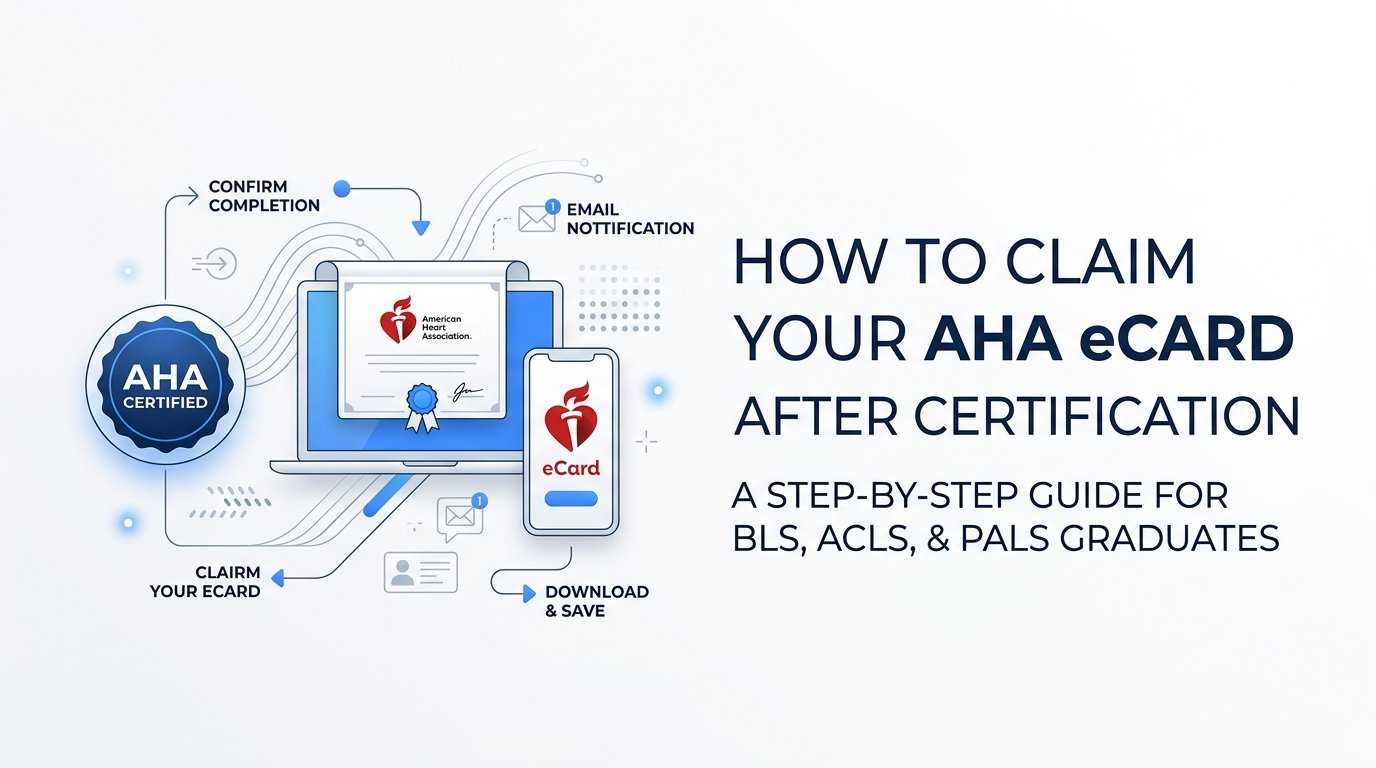
By the end of this guide you will have your official American Heart Association eCard downloaded, saved, and ready to show an employer. You just need the email address you gave your instructor and a few minutes of access to your inbox.
Step 1: Confirm your course completion with your instructor
An AHA eCard is not automatic. It is only issued once your instructor has recorded that you passed both the skills evaluation and any required written testing for your course, whether that is BLS, ACLS, PALS, or a CPR class. Until that submission happens on the instructor's end, there is no eCard waiting in your inbox, so it helps to know where things stand before you start refreshing your email every hour.
Before you leave class, take a moment to confirm the email address listed on your roster or registration form. This is the single point of failure most students run into. If there is a typo, an old employer address, or a name mismatch, the eCard link will go nowhere and you will not even get a bounce notice to warn you. Ask your instructor to read the address back to you if you are unsure it was entered correctly.
At Best Emergency Services Training, instructors submit course completions promptly, typically the same day as your class. Even so, the American Heart Association's own systems need time to process that submission and generate the eCard, so allow 24 to 48 hours depending on the course type before you assume something has gone wrong. ACLS and PALS courses, which involve more testing components, sometimes take slightly longer to process than a straightforward CPR or BLS card. If more than two business days pass with nothing in your inbox, reach out to Best Emergency Services Training directly rather than waiting indefinitely. A quick confirmation call can rule out a data entry error and get a corrected submission moving faster than trying to troubleshoot it yourself.
Step 2: Locate the eCard email from the American Heart Association
Once your completion has been processed, you will receive an email from an official American Heart Association or AHA Instructor Network address. These emails do not always land in your primary inbox on the first try, especially if your email provider is aggressive about filtering automated messages. Check your spam, junk, and promotions folders before assuming the email never arrived.
If scrolling through folders feels tedious, use your email's search bar instead. Searching for terms like "eCard," "AHA," or the specific course name such as BLS, ACLS, or PALS will usually surface the message even if it has been buried or mislabeled by a filter. This is faster than scanning subject lines one by one, particularly if your inbox gets a high volume of daily mail.
One important detail: the legitimate eCard email contains a direct link to claim your card, not a file attachment. Be cautious of any message or third-party website that asks you to pay a fee to "unlock" or "release" your eCard. That is not how the official process works. Your eCard access is included in your course cost through Best Emergency Services Training, and the AHA does not charge a separate release fee to view or download it. If something looks like it is asking for payment information beyond your original course registration, treat it as a red flag and verify directly with your training center before clicking anything.
Step 3: Click the link and create or log into your AHA account
Clicking the link in your eCard email takes you to the American Heart Association's eCard platform. What happens next depends on whether this is your first certification through the AHA system or a renewal.
- If this is your first eCard, you will be prompted to create a free account tied to your name and the email address your instructor submitted. This takes just a couple of minutes and typically requires setting a password and confirming your identity details.
- If you have held an AHA certification before, log in using the same credentials from your previous eCard rather than creating a duplicate account. Using one consistent login keeps your certification history organized in one place.
- If you have forgotten your password from a prior course, use the platform's password reset option before contacting Best Emergency Services Training, since account recovery is handled through the AHA system itself.
Choose a personal email address for this account rather than a work email, if possible. Work emails change when you switch jobs, and losing access to that inbox later can complicate renewals down the road. Since every future recertification will likely be tied to this same account, it is worth setting it up with an address you expect to control for years, not just for the length of your current job.
Step 4: Verify your card details for accuracy
Once you are logged in and your eCard loads, do not just glance at it and move on. Take a minute to actually check the details against your own records. Confirm that your full legal name is spelled correctly, that the course type listed matches what you actually took (BLS Provider, ACLS, PALS, or Heartsaver CPR, for example), and that the issue date reflects the day you completed your course.
Pay particular attention to the expiration date. As of 2026, most AHA provider-level courses, including BLS, ACLS, and PALS, carry a two-year validity period from the issue date. Policies can be updated by the American Heart Association, so if you are ever uncertain about the current validity window for your specific course, it is worth double-checking on the AHA's website rather than relying on outdated information.
If you spot an error, whether it is a misspelled name, wrong course type, or incorrect date, do not try to contact the American Heart Association directly to fix it. Card corrections start with the original training center. Reach out to Best Emergency Services Training with the discrepancy, and staff can submit the correction on your behalf since the error originated in the original course submission. Trying to resolve it through AHA customer service first usually just gets you redirected back to your training center anyway, so save yourself a step and call us directly.
Step 5: Download and save the eCard to your device
With your details confirmed, download the eCard as a PDF. Do not stop at leaving it sitting in your email inbox as your only copy. Email links can occasionally expire or become inaccessible if your account settings change, and email platforms sometimes purge older messages during cleanup or migrations.
Save the file to at least one additional location, such as a cloud storage folder (Google Drive, Dropbox, or iCloud all work) or your phone's photo album. Having the eCard backed up in two or three places costs you nothing and saves real frustration if you ever need to produce proof of certification on short notice, such as before a new clinical rotation or a last-minute credentialing deadline.
While you are at it, rename the file itself. A generic file name like "eCard.pdf" is hard to find later, especially if you hold multiple certifications. Something like "BLS_Provider_Exp_2028.pdf" tells you at a glance what it is and when it expires, without needing to open the file first.
Some employers, hospitals, or credentialing offices still ask for a physical copy for their HR or personnel files, even though the AHA phased out plastic wallet cards back in 2018 in favor of digital eCards. If your workplace falls into that category, print a copy from your saved PDF rather than relying on your instructor to provide one. Keeping a printed backup in a folder at home takes five minutes and covers you for older-fashioned paperwork requirements.
Step 6: Add the eCard to a digital wallet or verification profile
Beyond simply storing the PDF, take advantage of the verification tools built around the eCard system. The AHA Instructor Network, along with some hospital and employer credentialing systems, allows you to link your eCard number directly for instant online verification. This means a supervisor or HR department can confirm your certification status without you needing to send them anything at all.
For everyday convenience, take a screenshot of your eCard and save it to your phone's photo library in addition to the PDF. This gives you a version you can pull up instantly, even in a location with no wifi or cell data, such as inside a hospital basement or a facility with poor reception. It is a small step that pays off the first time someone asks to see your card on the spot.
Whichever format you keep on hand, make sure the unique eCard verification code stays visible and legible, not cropped out of a screenshot or cut off in a print job. Employers and clinical sites frequently use that code to verify your certification directly through the AHA's database rather than taking the card at face value, so it needs to be there and readable every time.
Step 7: Set a reminder for renewal before expiration
An eCard is not a one-time task you finish and forget. The moment you have your card downloaded and verified, set a calendar reminder for 60 to 90 days before the expiration date printed on it. That window gives you enough lead time to schedule a renewal course without the pressure of a looming deadline, and it also gives you a buffer if your preferred class dates fill up quickly.
Best Emergency Services Training offers renewal courses in the same flexible formats available for your original certification, including onsite sessions at our locations, offsite training brought to your workplace, and one-on-one home instruction for those who need individual scheduling or accommodations. Renewing does not have to mean rearranging your whole week around a single class time.
The stakes for missing that window are worth taking seriously. Depending on how long your certification has lapsed, you may not be eligible for a shorter renewal class at all and could be required to retake the full initial course from scratch, including all the original skills and written testing components. That means more time and often more cost than a straightforward renewal would have required. Treating your expiration date as a hard deadline, not a rough guideline, keeps you from getting caught in that situation.
Keeping your certification current going forward
With your eCard downloaded, verified, and backed up, you are ready to present proof of certification whenever it is needed, whether that is for a new job, a clinical placement, or a routine credentialing check. Best Emergency Services Training can help you schedule your renewal well before the expiration date arrives, so recertifying never turns into a last-minute scramble.
Don't let certification deadlines stress you out. Get your AHA, ECSI or HSI-certified CPR training completed quickly with flexible scheduling that works around your life. Schedule your personalized training session today and join the thousands of individuals and businesses who trust B.E.S.T. for fast, convenient certification with expert instructors.